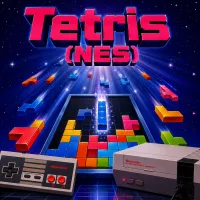
Tetris (NES)
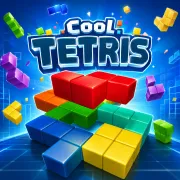





Stack colorful blocks in Tetris (NES), clear endless lines, sharpen lightning-fast reflexes, and chase legendary high scores in gaming history.
Discover the Timeless Magic of Tetris (NES)
Tetris (NES) is one of the most iconic puzzle games ever created, transforming simple falling blocks into an endlessly addictive challenge. Originally designed by Alexey Pajitnov, the game became a worldwide phenomenon after its release on the Nintendo Entertainment System. Its straightforward design, combined with strategic gameplay, helped define the puzzle genre for generations of players.
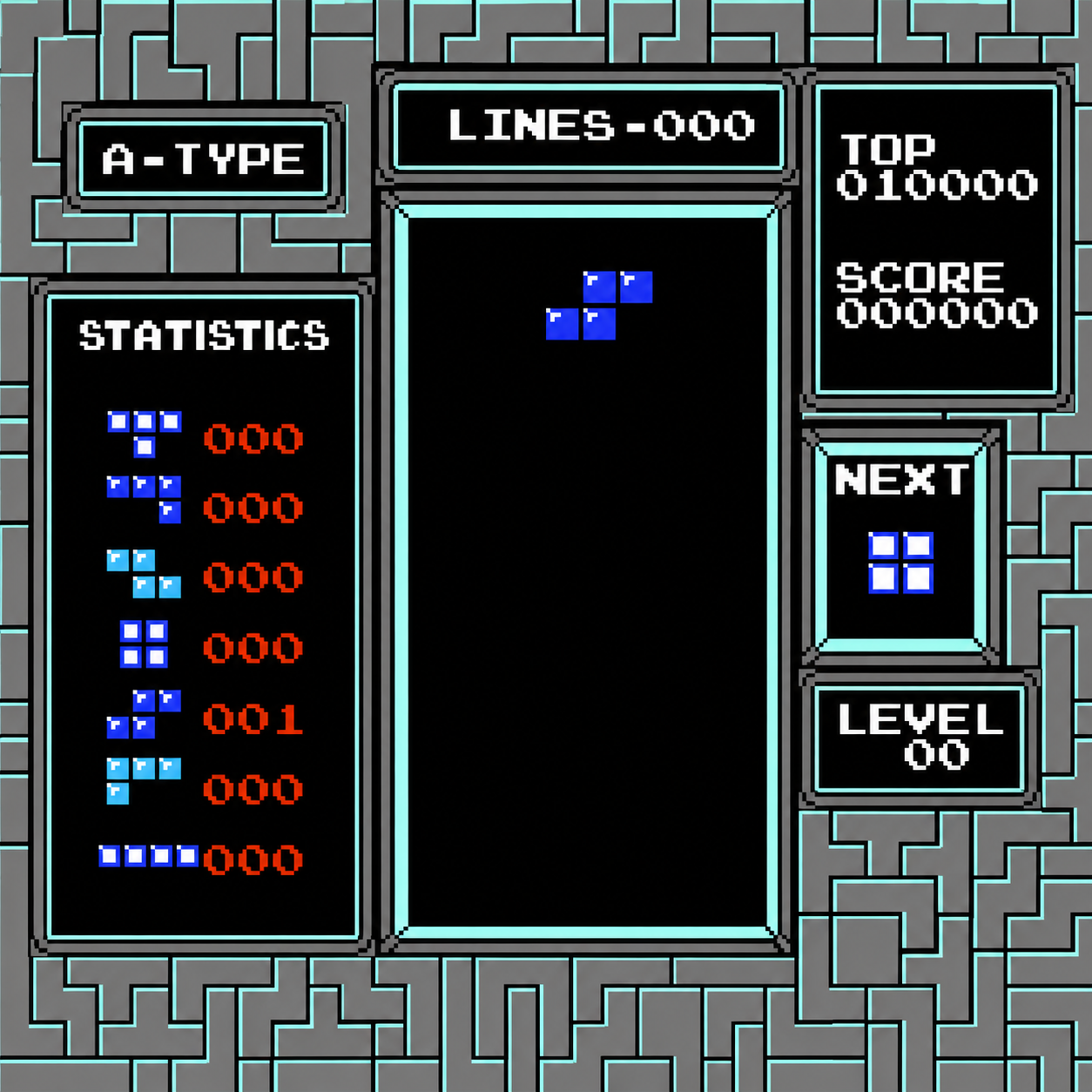
The concept is simple yet brilliant. Different geometric shapes, known as tetrominoes, fall from the top of the screen, and players must rotate and position them to complete horizontal lines. Whenever a full line is formed, it disappears, creating more space and increasing the score. As the game progresses, the speed steadily increases, turning a relaxing puzzle experience into an intense test of concentration and reflexes.
 Tetris (NES): Pixel Block Legacy
Build, Rotate, and Clear Lines
The main objective in Tetris (NES) is to survive as long as possible while earning the highest score possible. Players carefully arrange falling tetrominoes inside the vertical playfield, trying to keep the stack low and organized. Poor placement quickly creates dangerous gaps, while smart positioning allows multiple lines to be cleared at once.
Every piece matters. Fast decision-making becomes essential as the game speed increases with each level. The famous “Tetris” move, which clears four lines simultaneously using the long I-shaped block, rewards players with massive points and remains one of the most satisfying moments in classic gaming.
Game Modes
- A-Type Mode – Endless gameplay focused on achieving the highest possible score.
- B-Type Mode – Begins with pre-filled garbage blocks, challenging players to clear a set number of lines.
Essential NES Controls
- Left / Right Directional Buttons – Move tetrominoes horizontally
- Down Button – Increase the falling speed
- A Button – Rotate pieces clockwise
- B Button – Rotate pieces counterclockwise
- Start Button – Start or pause the game
- Select Button – Switch between game modes